

Custom sign design files determine how fast your order moves from quote to finished sign. Send the wrong files — a JPEG screenshot, a PDF with embedded but unoutlined fonts, or a logo mocked up in PowerPoint — and production stops cold, because the factory cannot cut, bend, or laser-cut what it cannot edit. Conversely, a clean artwork package gets you a quote in hours and a finished sign in weeks.
This guide lists exactly what a professional sign manufacturer needs as custom sign design files to turn your brand into fabricated signage: the file formats, color specs, dimensions, mounting notes, and 3D thickness information that prevent rework, misquotes, and delays.

Why Custom Sign Production Needs Real Artwork
A stock sign can be printed from almost any file because it is a flat graphic. A custom dimensional sign is fabricated. The manufacturer must laser-cut letter profiles, bend returns, route acrylic faces, weld stainless, and assemble LED modules. Each step needs a clean vector outline that can be scaled to your exact physical size. A raster image (PNG, JPG) has no editable outline; scaling it up produces jagged edges. This is why custom signs require prepared artwork while off-the-shelf signs do not.
For the full comparison of prepared custom work versus generic product, our guide on why custom signs require prepared artwork walks through the business logic.
The Core File Package
1. Vector artwork: AI, EPS, or vector PDF
The single most important file is a clean vector file. Acceptable formats are:
- Adobe Illustrator (.AI) — preferred.
- Encapsulated PostScript (.EPS) — universally compatible.
- Vector PDF (.PDF saved with vector content, not flattened).
Avoid raster PDFs (a PDF that is just a screenshot inside a page), PNGs, JPGs, and PowerPoint exports. If you only have a raster logo, expect the manufacturer to charge for vector tracing.
2. Fonts outlined or attached
When you send an AI or EPS file, all text must be converted to outlines (in Illustrator: Type > Create Outlines). If you do not outline fonts, the factory may not have your typeface, and the rendered text will reflow or substitute. Either outline the text or attach the font files separately and specify the exact font name and weight.
3. Color specifications
Screen colors are RGB; signs are physical materials. Tell the factory the exact colors using:
- Pantone Coated (C) or Uncoated (U) for acrylic and painted surfaces.
- RAL for powder-coated metal.
- CMYK for printed lightbox faces.
If you do not supply a Pantone or RAL value, the factory will approximate, and the second sign you order will not match the first. This is the single most common cause of franchise inconsistency.
4. Dimensions and scale
State the exact finished size in millimeters or inches. A logo that looks great at 20 cm wide looks wrong at 2 meters. Include overall width, overall height, letter heights, stroke widths, and any minimum line weight (thin strokes under 2 mm often cannot be routed cleanly on acrylic).
A related detail buyers forget: leave a small safe margin around the outer edge of the sign. If your artwork bleeds to the very edge of the face, the routed edge and the weld seam will cut into your color or your letterform. A 3-5 mm safe margin keeps the graphic clear of the fabrication edge and avoids a thin white line or a clipped corner after assembly. If you genuinely want an edge-to-edge look, say so explicitly and the factory will plan for it.
5. 3D thickness and construction notes
Dimensional signs have depth. Specify:
- Letter depth (commonly 50-100 mm for channel letters, 20-50 mm for acrylic lobby letters).
- Face material and color.
- Return (side) material and finish.
- Lighting: front-lit, backlit, double-sided, or non-lit.
- LED color temperature (e.g., 6000K cool white, 3000K warm white).
6. Mounting and installation notes
Tell the factory how the sign will mount:
- Wall standoff distance (e.g., 30 mm off the wall for halo effect).
- Raceway or concealed wiring.
- Conduit entry location.
- Weight and wall type (masonry, drywall, glass).
- Local voltage and plug type if a plug-in transformer is expected.
These notes drive the mounting hardware, the electrical diagram, and the installation manual that ships with the sign.
Example File Packages by Sign Type
Modular LED logo assemblies
For a clustered LED logo like our modular LED logo assemblies, the manufacturer needs a vector outline of each module, the overall layout, the desired LED color temperature, and the mounting distance from the wall.
Custom-cut 3D metal logos
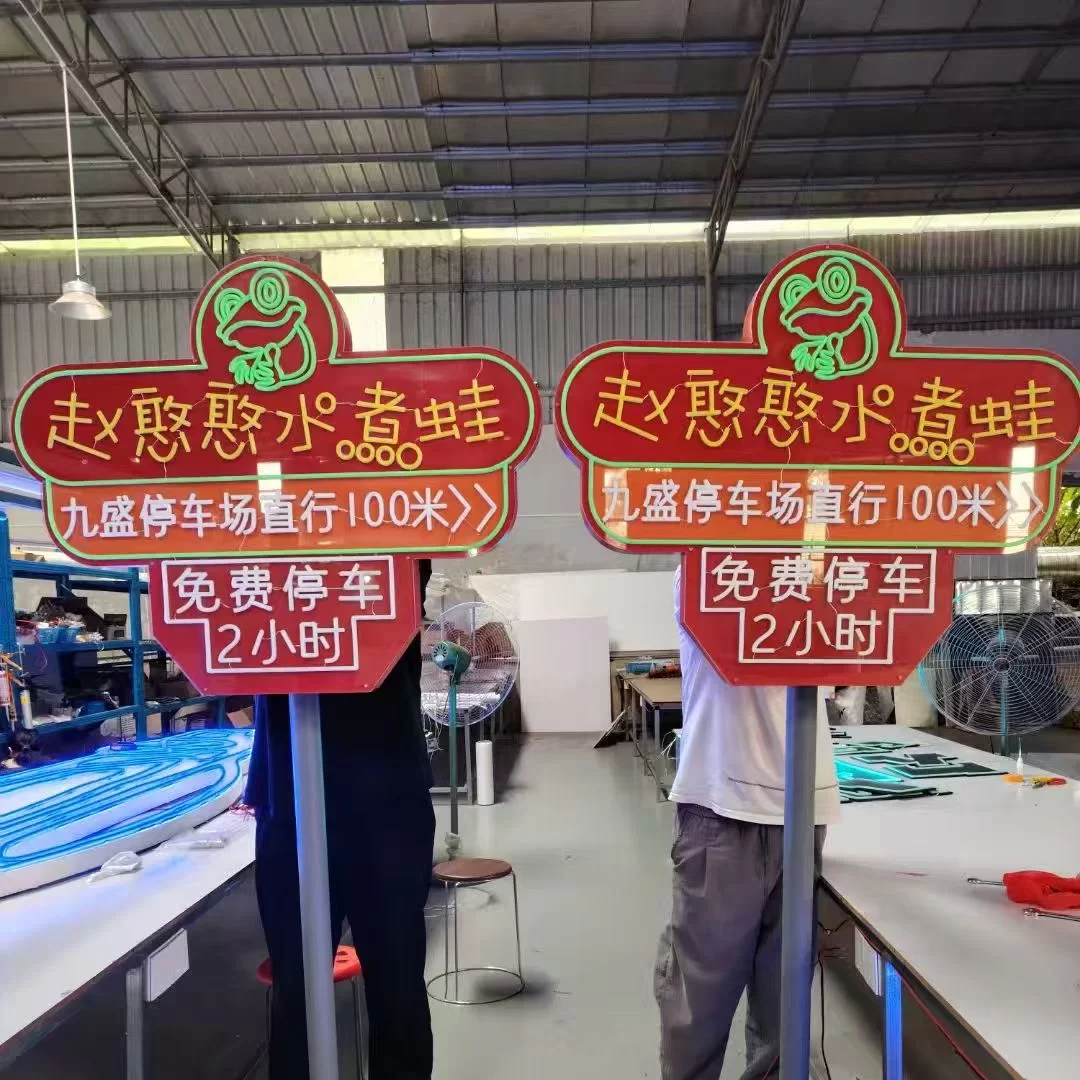
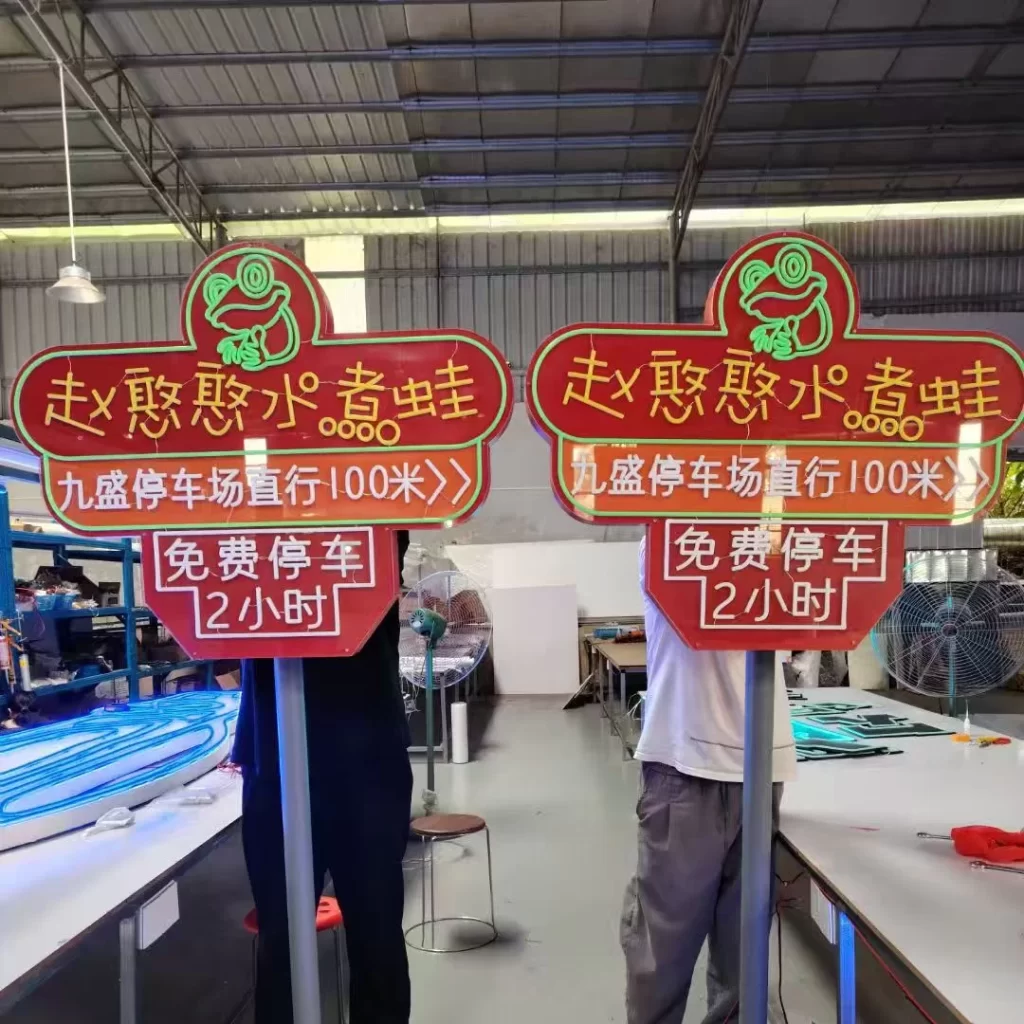
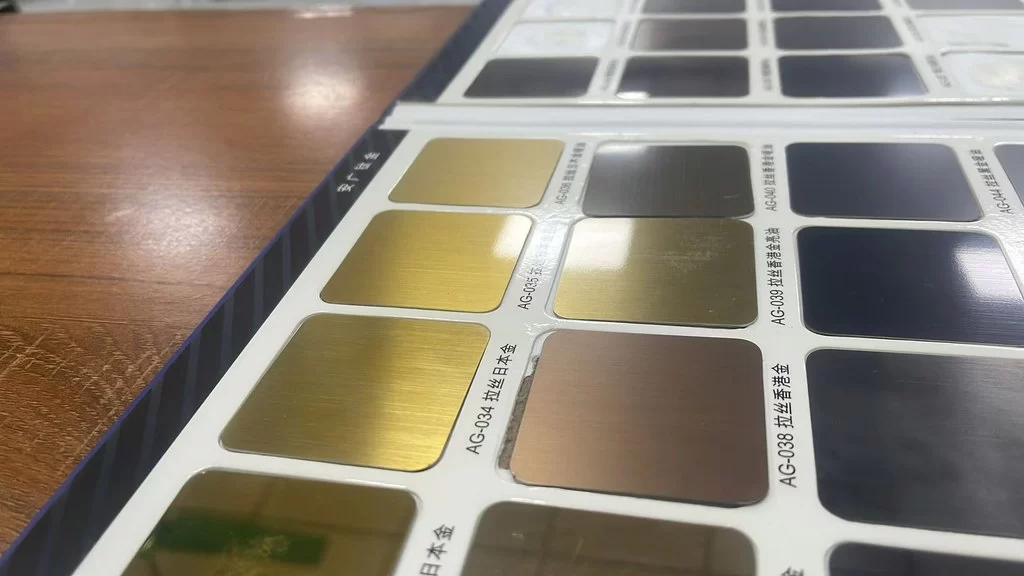
For a custom-cut 3D metal mascot sign, send the vector outline, the desired thickness (commonly 5-10 mm steel or stainless), the finish (brushed, mirror, powder-coated color), and whether it should be non-lit, backlit, or front-lit.
Gradient-finish illuminated letters
For gradient-finish 3D illuminated letters, send the vector letterform, a Pantone/RAL gradient reference, the face material, the LED color, and the depth. Gradient faces are usually UV-printed on acrylic, so a high-resolution (300 DPI) raster of the gradient is also needed alongside the vector outline.
Common File Mistakes That Delay Orders
- Sending a flattened JPG and expecting fabrication.
- Forgetting to outline fonts, so text reflows.
- Giving only screen RGB colors with no Pantone or RAL reference.
- Specifying dimensions that result in strokes thinner than 2 mm.
- Forgetting to tell the factory the wall material or mounting type.
- Sending a logo with a white background that will show through a clear face.
- Including multiple artboard layers without indicating which one to use.
Fixing any of these after a quote is issued adds days. Fixing them before the quote saves you that time.
Working With an Overseas Manufacturer
When you work with a Guangzhou-based OEM/ODM factory, the file workflow becomes a little more formal because there is no in-person handoff. At Hongbo Signage, expect the factory to send back:
- A CAD drawing or vector proof for your approval before production.
- A 3D render showing the finished look on your facade (if requested).
- A photo report at each production stage (cutting, welding, painting, LED assembly).
- A final QC photo set and aging test video before crating.
Our working with an overseas manufacturer guide explains this workflow in depth. For import-ready file formats, our file formats for import-ready production guide covers packaging, naming, and documentation best practices.
File Naming and Version Control
Once production starts, small administrative habits save real time. Name your files clearly, for example `BrandName_SignFront_V3_Outlined_2026-03-15.ai`, so the factory always knows which version you approved. When you request a revision, send a new version number rather than overwriting the old file; otherwise both sides can lose track of which artwork is in production. Keep one final “approved for production” file in your archive as well, because you will reorder these signs for years, and reorders are far faster when you send the same approved file back rather than starting from scratch.
If you work through a designer or agency, make sure they hand off the source AI file, not just a print-ready PDF. The factory may need to tweak stroke widths, scale a layer, or isolate a single letter for a repair, and a flattened PDF prevents all of that.
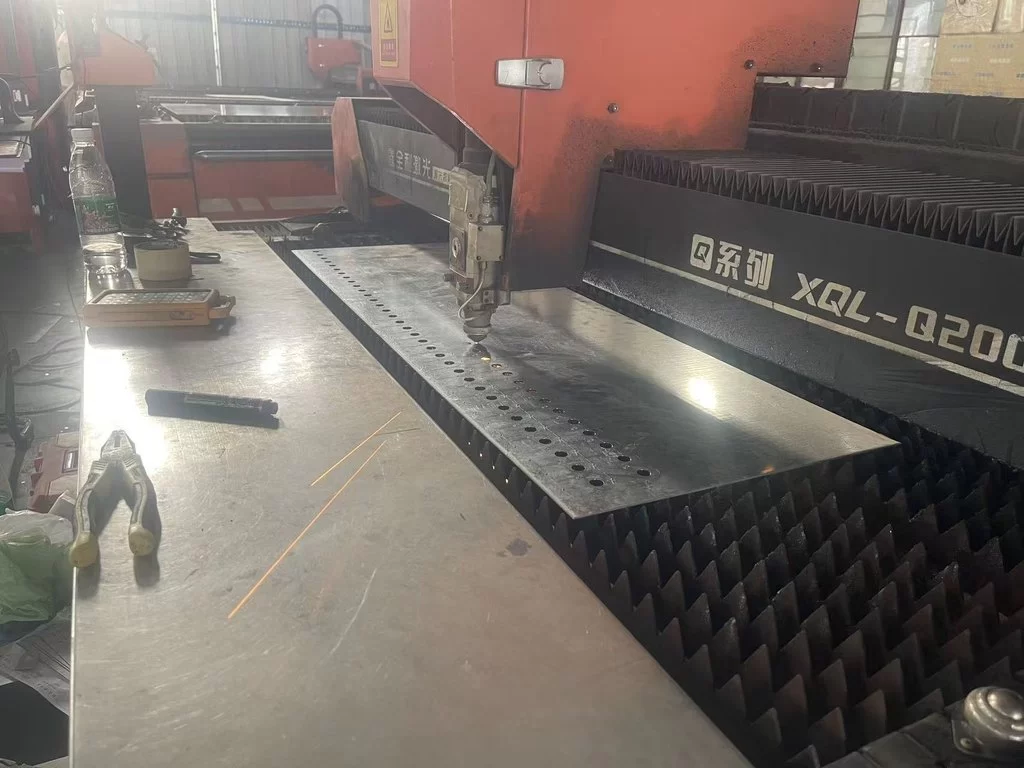
Once the artwork is approved, production typically takes 10-25 working days. Laser cutting, bending, welding, painting or powder coating, LED assembly, and aging test all run from your approved vector file. Shipping then adds sea freight (20-35 days) or air freight (5-10 days).
What Buyers Should Prepare for a Sign Quote
Beyond the artwork package itself, these commercial details let the manufacturer return an accurate quote instead of a placeholder:
- Final dimensions and quantity, including how many identical signs and locations.
- Material and finish preference: acrylic, brushed/mirror stainless, aluminum, powder-coat color.
- Lighting type and color temperature: non-lit, front-lit, backlit, LED neon, and cool vs warm white.
- Mounting and wall details: wall material, standoff distance, raceway or concealed wiring.
- Shipping destination and whether you need sea or air freight.
- Required delivery date, so production and shipping can be planned back from your deadline.
- Certification needs: UL, CE, or local electrical standards your project must meet.
- Installation contractor contact, if you want mounting drawings and an electrical diagram to ship with the sign.
Frequently Asked Questions
Q: Can I send a PNG or JPG for my sign?
Not for dimensional fabrication. Raster images cannot be laser-cut or routed. Send vector AI, EPS, or vector PDF. If you only have a raster logo, ask the manufacturer to quote vector tracing as a first step.
Q: Do I need to outline fonts in my AI file?
Yes. Always outline text before sending, or attach the font files and specify the exact font name and weight. Otherwise the factory will substitute a similar font and the sign will not match your brand.
Q: What color system should I specify?
Use Pantone Coated or Uncoated for acrylic and painted faces, and RAL for powder-coated metal. RGB on a screen is not a physical material color and will not match reliably.
Q: How detailed should my mounting notes be?
Include wall material, standoff distance, wiring entry point, and local voltage. The more the factory knows, the more accurate the hardware pack and installation manual will be.
Q: What if my logo has very thin lines?
Tell the factory the minimum stroke width. Anything under 2 mm may be routed out, fractured, or difficult to weld. The factory can suggest a slightly bolder weight that keeps your brand recognizable.
Conclusion
A custom sign is only as good as the artwork that drives it. Send clean vector AI/EPS/PDF files, outline fonts, specify Pantone or RAL colors, state exact dimensions and 3D thickness, and include mounting notes. That one package gets you an accurate quote, avoids weeks of revision, and ensures that sign number twelve in your franchise rollout matches sign number one. If you are unsure your file is production-ready, send it early and ask the manufacturer to review it before you commit.
Ready to send your artwork into production without costly delays?
Hongbo Signage provides OEM/ODM custom signage manufacturing from Guangzhou, China. Get a custom sign quote within 24 hours.